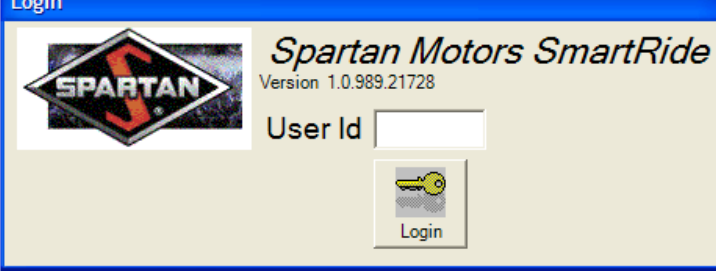
Login — Spartan diamond + security-level enforcement
The Splash form was the launch surface: red-and-black Spartan diamond logo on the left, "Spartan Motors SmartRide" italic wordmark on the right with the version string "Version 1.0.989.21728", User Id text field, and a gold-key Login button. The User Id resolved to a security level (None, View, Edit, Administrator) — administrator only could change user-table entries. Per the manual: "the user identification establishes the security level of the user, which is set up within the program, in the User Administration screen, under the Tools Menu."
![ActiveRide Firmware Download dialog — Firmware File group at the top with c:[Local Disk] dropdown and Dev / Rideware / COAST / Software / CCM / APP folder tree, CCMAPP.H86 highlighted in the file list. Type group on the right: Boot Code (selected) / Application Code radio buttons. Targets group at the bottom: numbered grid listing CCM (Select checked), Left Front, Right Front, Left Rear, Right Rear, Left Tag, Right Tag. Exit and Download action buttons + Download Progress bar at the foot.](/assets/activeride-firmware-download-B12KeVD_.png)